![CareerPlug-Logo-2025.png]](https://support.careerplug.com/hs-fs/hubfs/CareerPlug-Logo-2025.png?width=230&height=40&name=CareerPlug-Logo-2025.png)
Activating your CareerPlug account is simple. You can start the activation process either by retrieving your activation code from your email inbox or by using your email address on our activation page.
In this article:
- Activating your CareerPlug account using your activation code
- Activating your CareerPlug account using your email address
- Activating multiple CareerPlug accounts
Activating your CareerPlug account using your activation code
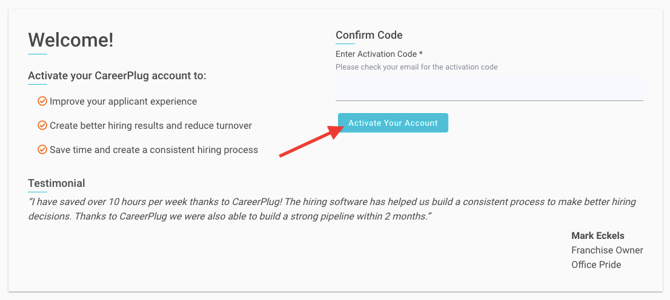
Go to app.careerplug.com/activate and enter the activation code received in your email, then click the Submit button.
.png?width=663&height=430&name=Activation%20Page%20(1.26.26).png)
Enter your account details, check the box to agree to our Terms of Service, and click the Activate Account button.
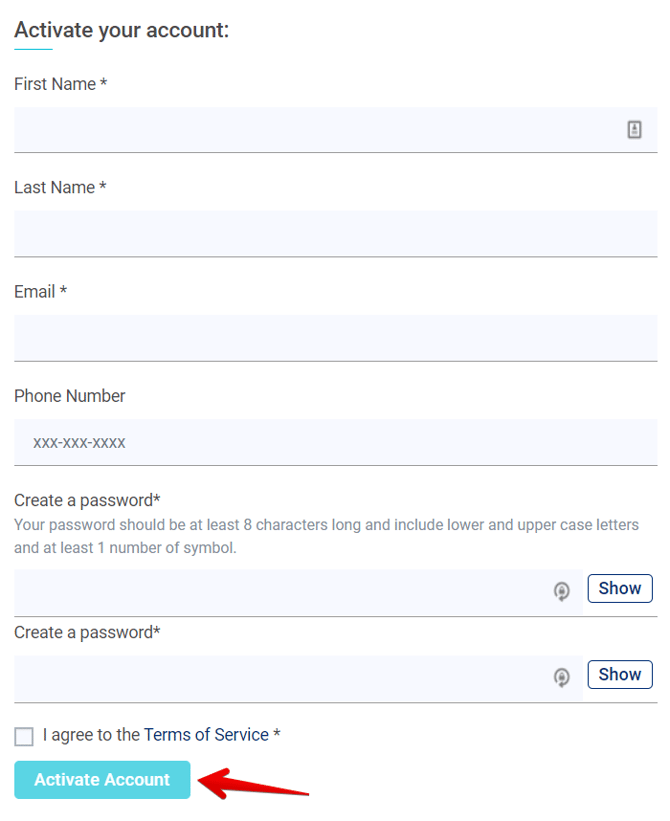
After activating, you'll be dropped right into your new CareerPlug account dashboard.
Activating your CareerPlug account using your email address
If you have not received or cannot find your activation code, you can always start the activation process using your email address by clicking the link below the activation code field.
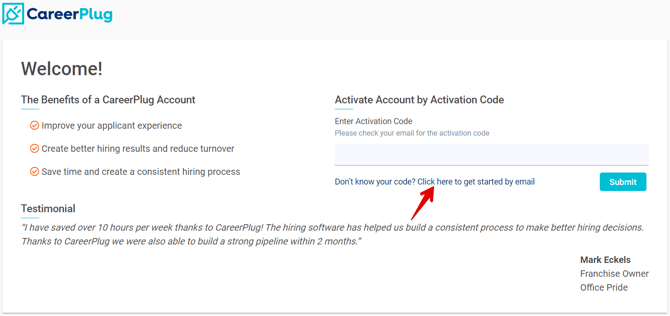
Enter your email address and click the Submit button.
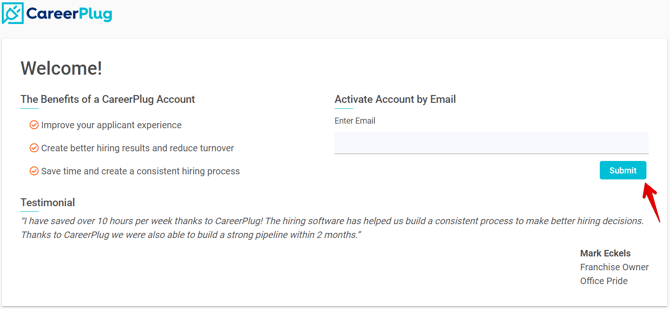
You will receive an email shortly with a link and instructions to activate your account.
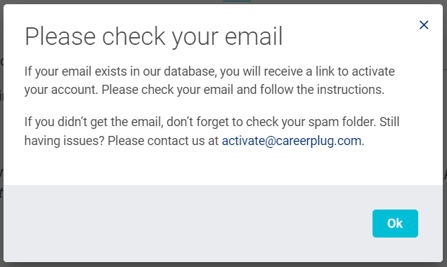
Click the link included in your activation email.

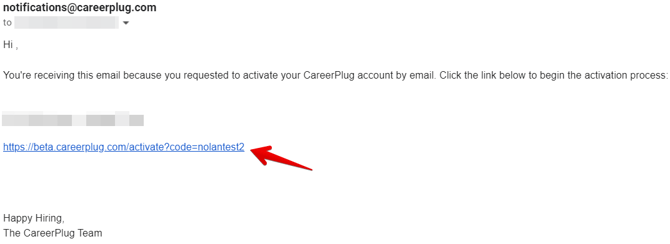
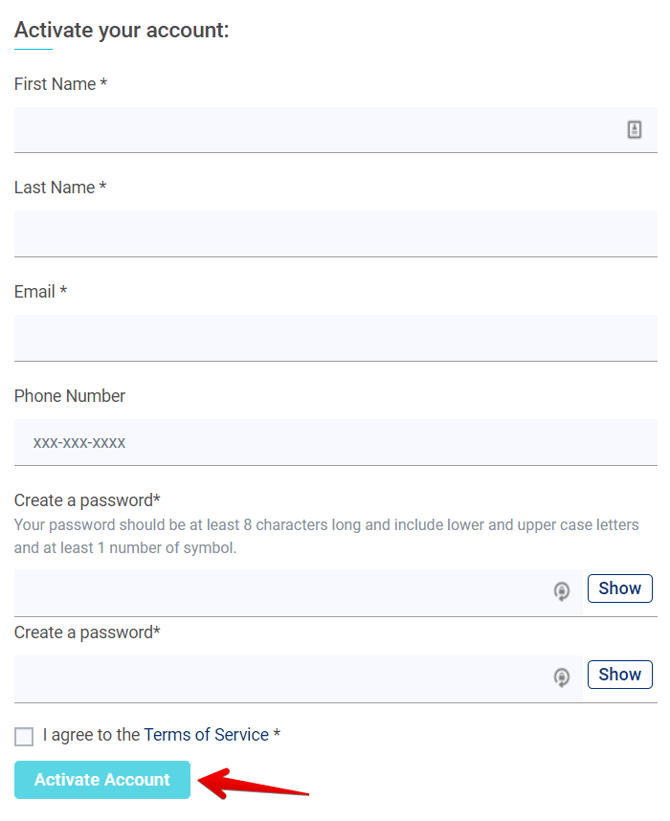
Enter your account details, click the checkbox to agree to our Terms of Service, and click the Activate Account button.
After activating, you'll be dropped right into your new CareerPlug account dashboard.
Activating multiple CareerPlug accounts
If you own multiple franchises across different brands, you'll likely need more than one CareerPlug account. Having a separate CareerPlug account for each of your brands ensures that your jobs will feed to the correct franchisor's job board.
Note: You can use the same email address to activate multiple CareerPlug accounts.
Here's how to do that:
Go to app.careerplug.com/getstarted and enter your first activation code.
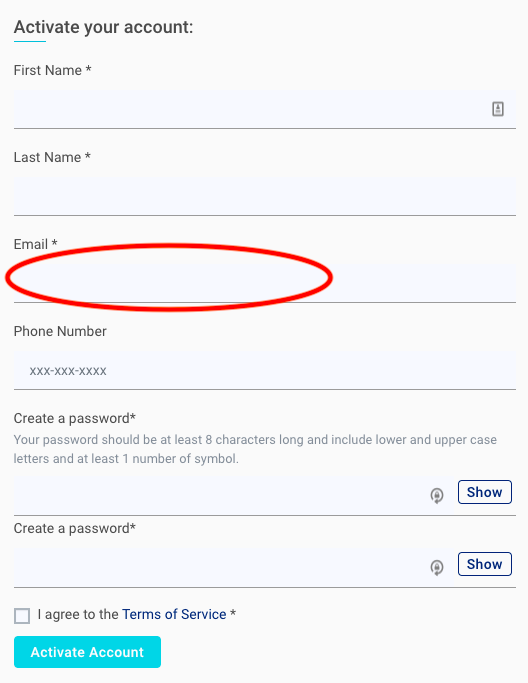
Fill out the account details and click the Activate Account button. Make sure you enter the primary email address you’d like to use to sign into all of your CareerPlug accounts.
Activate another account. Go to app.careerplug.com/getstarted, enter your next activation code, and follow the same process above.
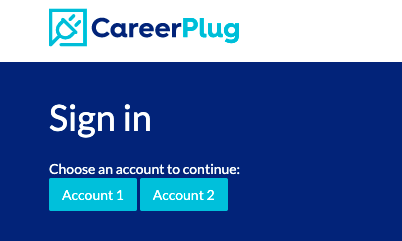
The next time you sign in, you'll be able to select which CareerPlug account you’d like to manage!
Looking for the rest of your activation information? If you're activating multiple CareerPlug accounts at the same time, any links or codes will be sent in one email.